AI design
AI Tattoo Generator: Create a Tattoo With AI and Wear It for Real
 By Mattia
Updated
4 min read
By Mattia
Updated
4 min read

In short
The Tattup AI tattoo generator turns your description into a tattoo design: pick a style, describe your idea, done. You start with 2 free credits after creating an account. You can test the design on a photo of your skin with the virtual try-on and order it directly as a real 2-week tattoo in any size.
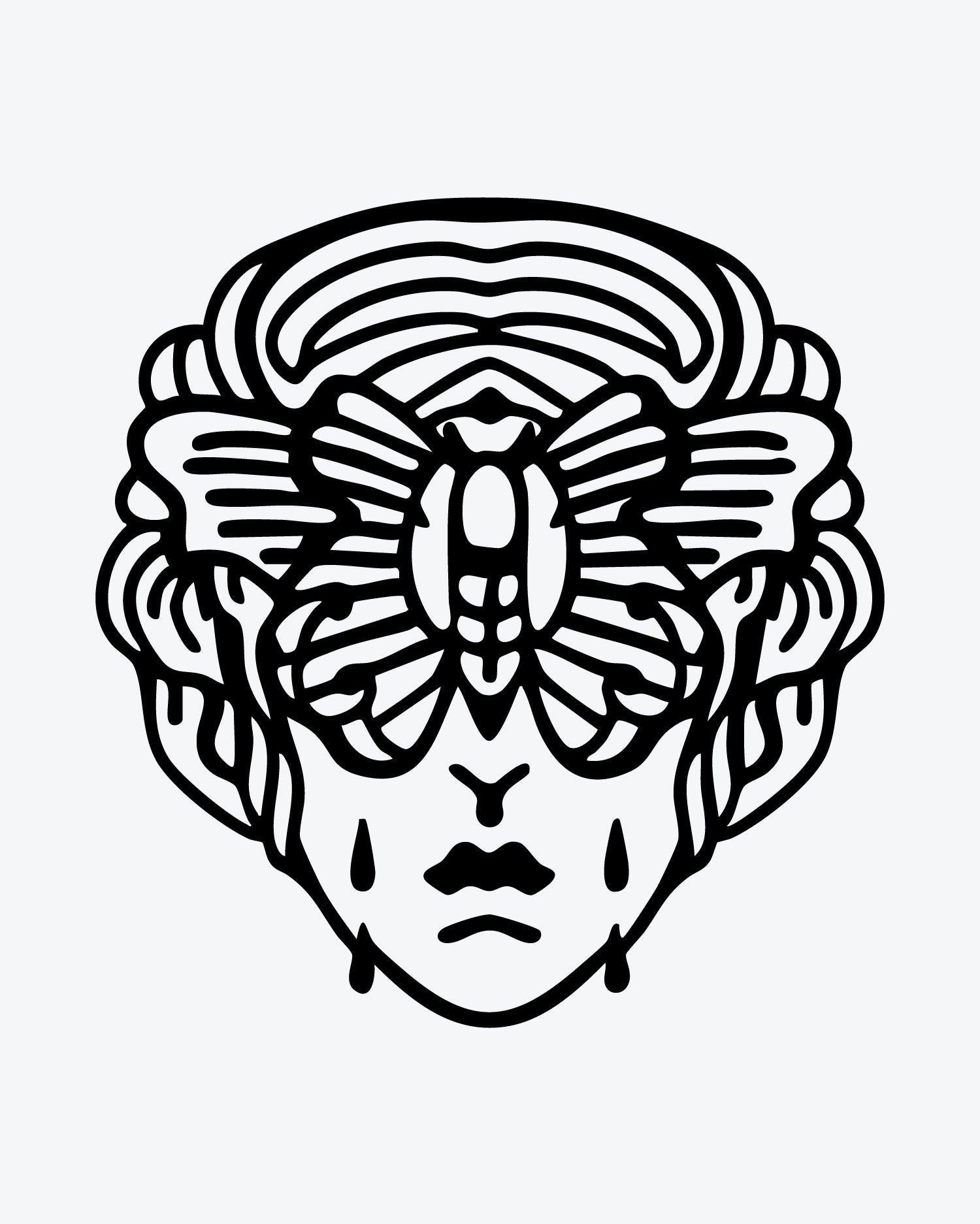
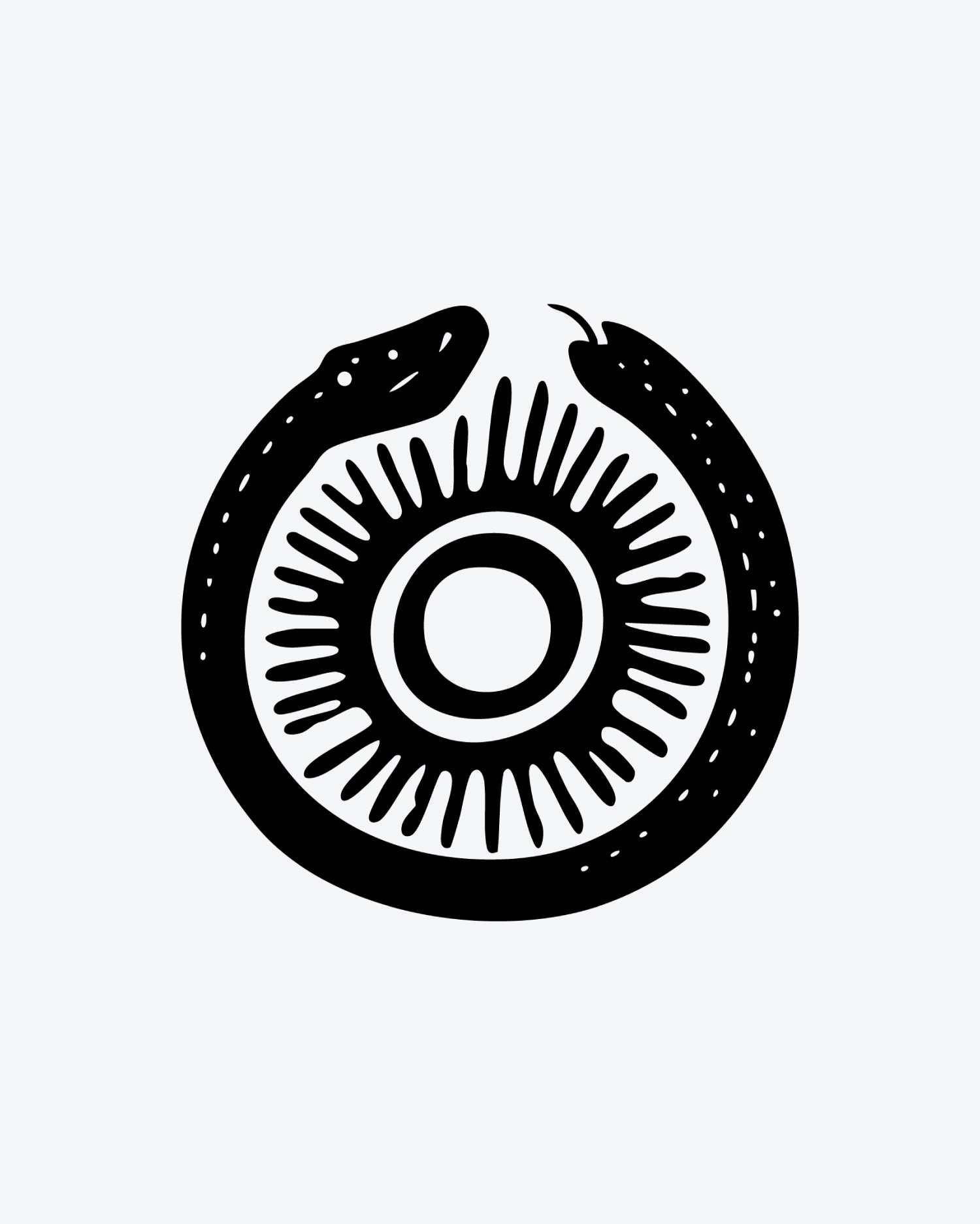
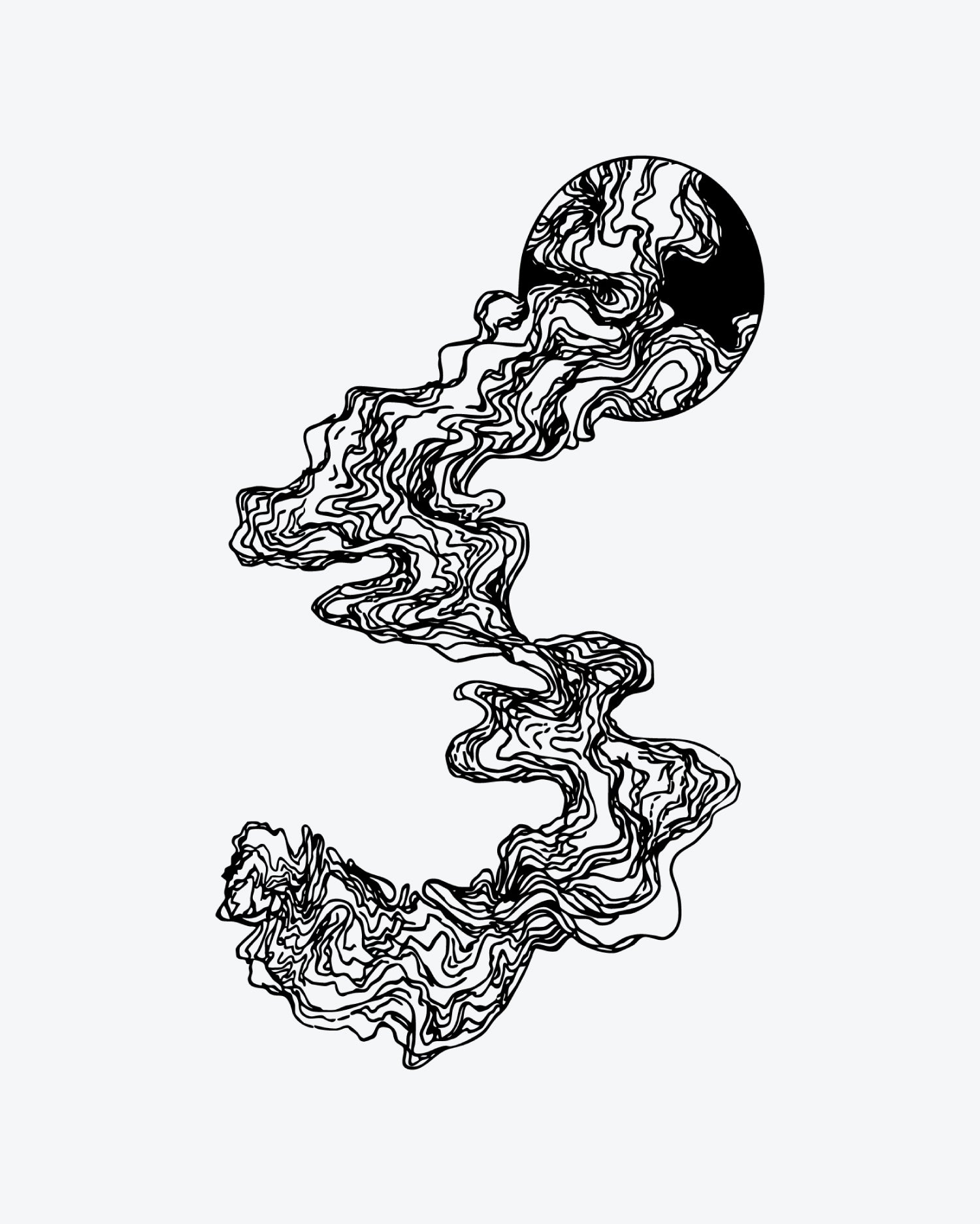
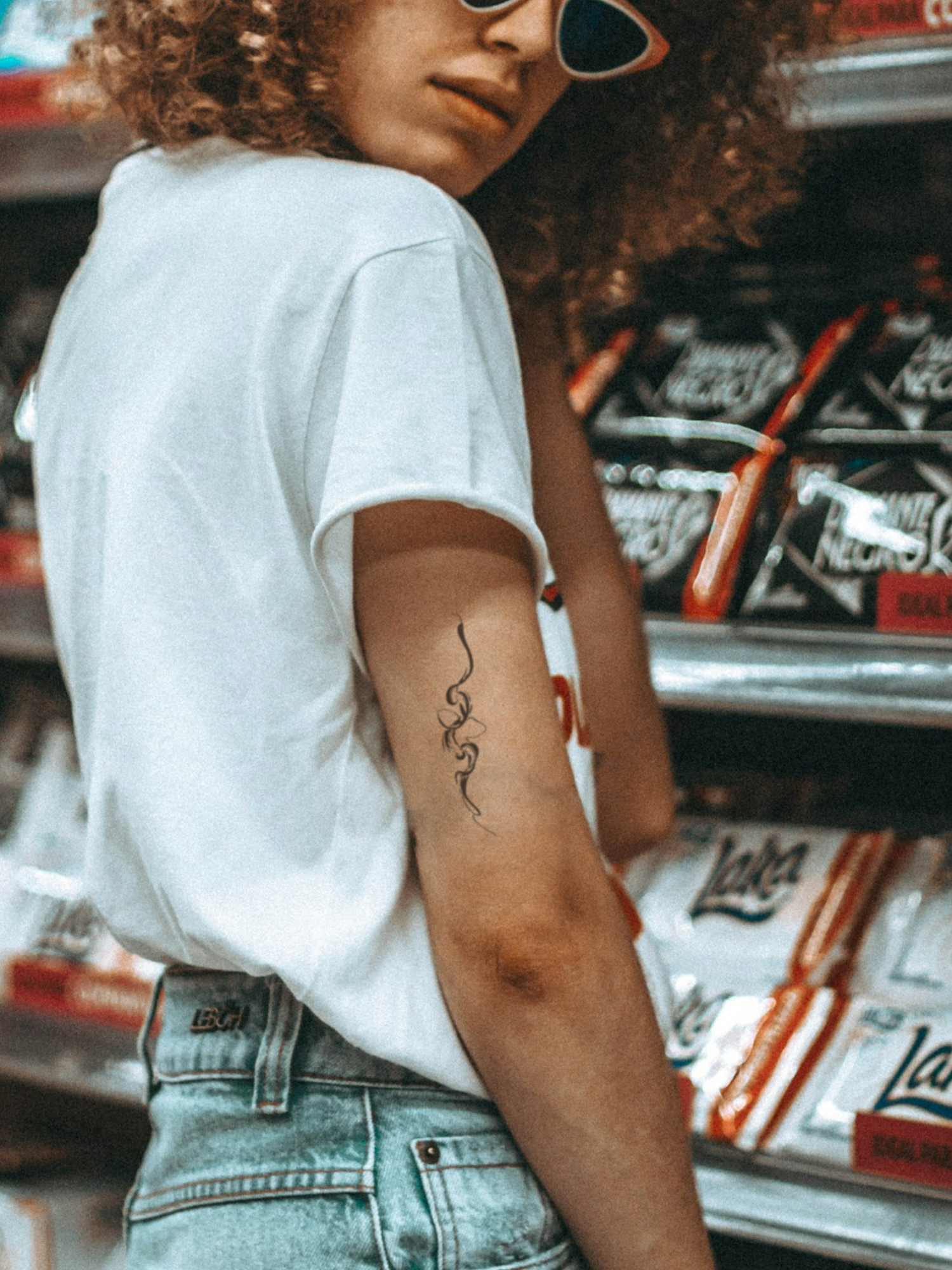
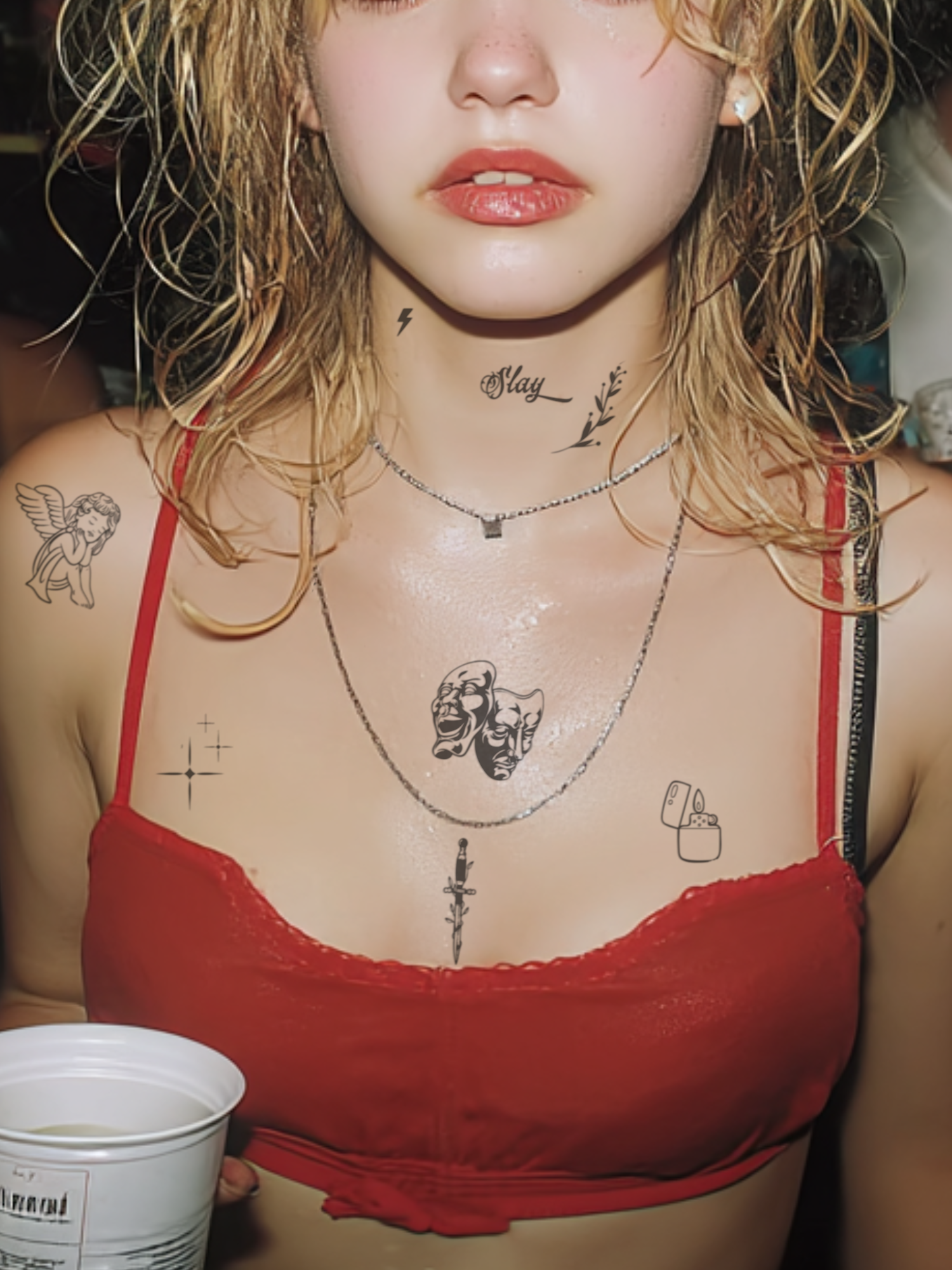
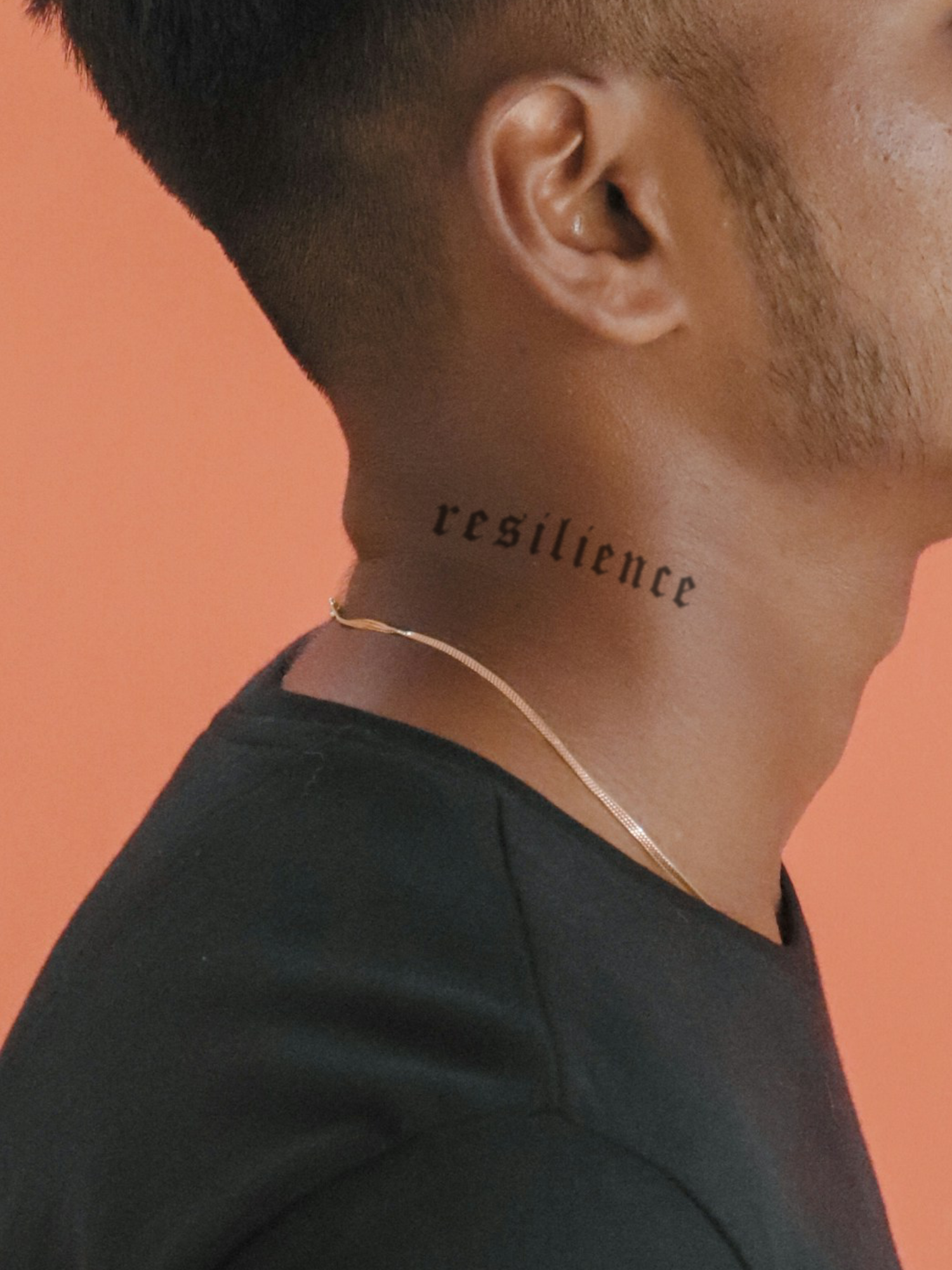
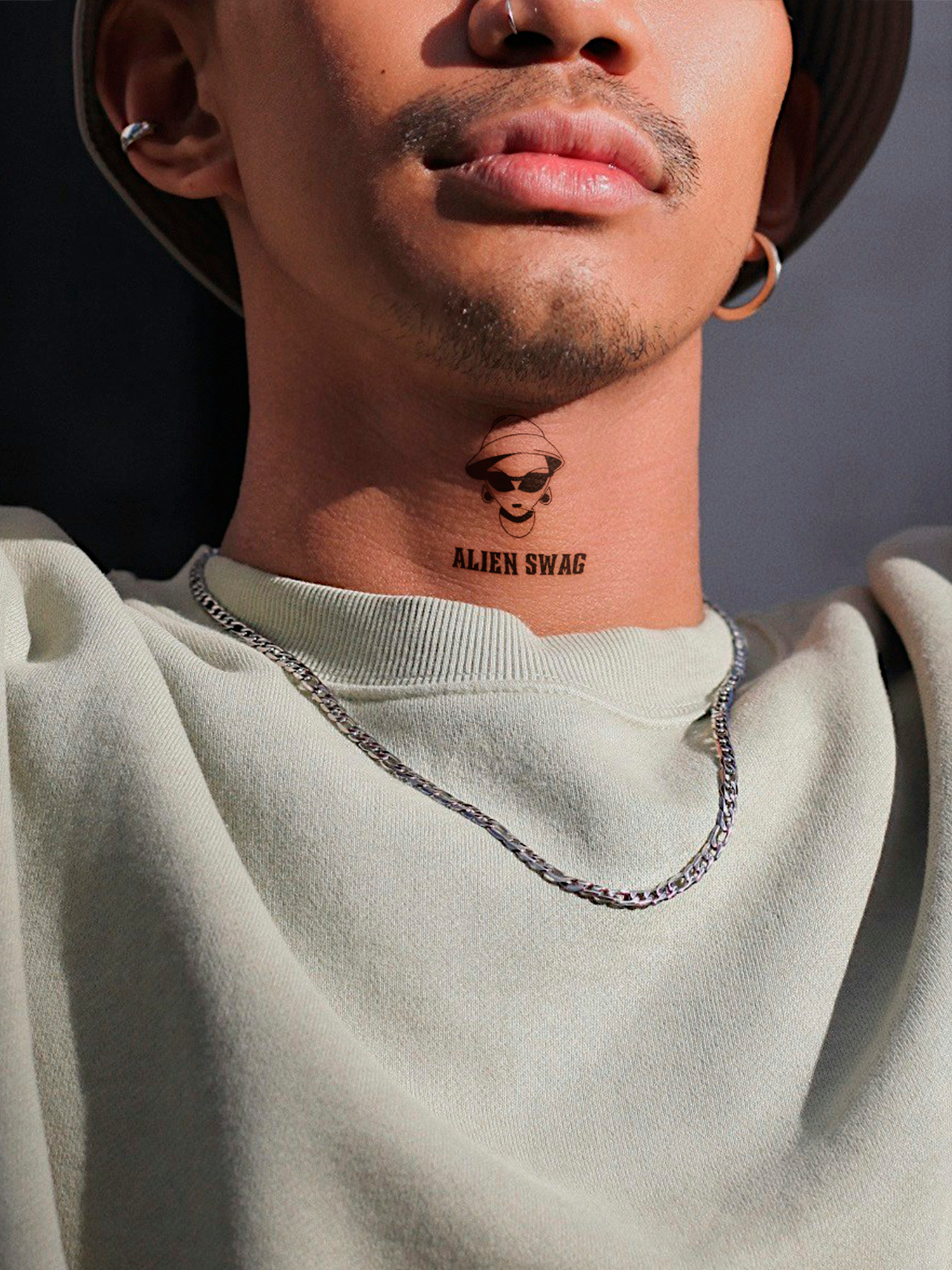
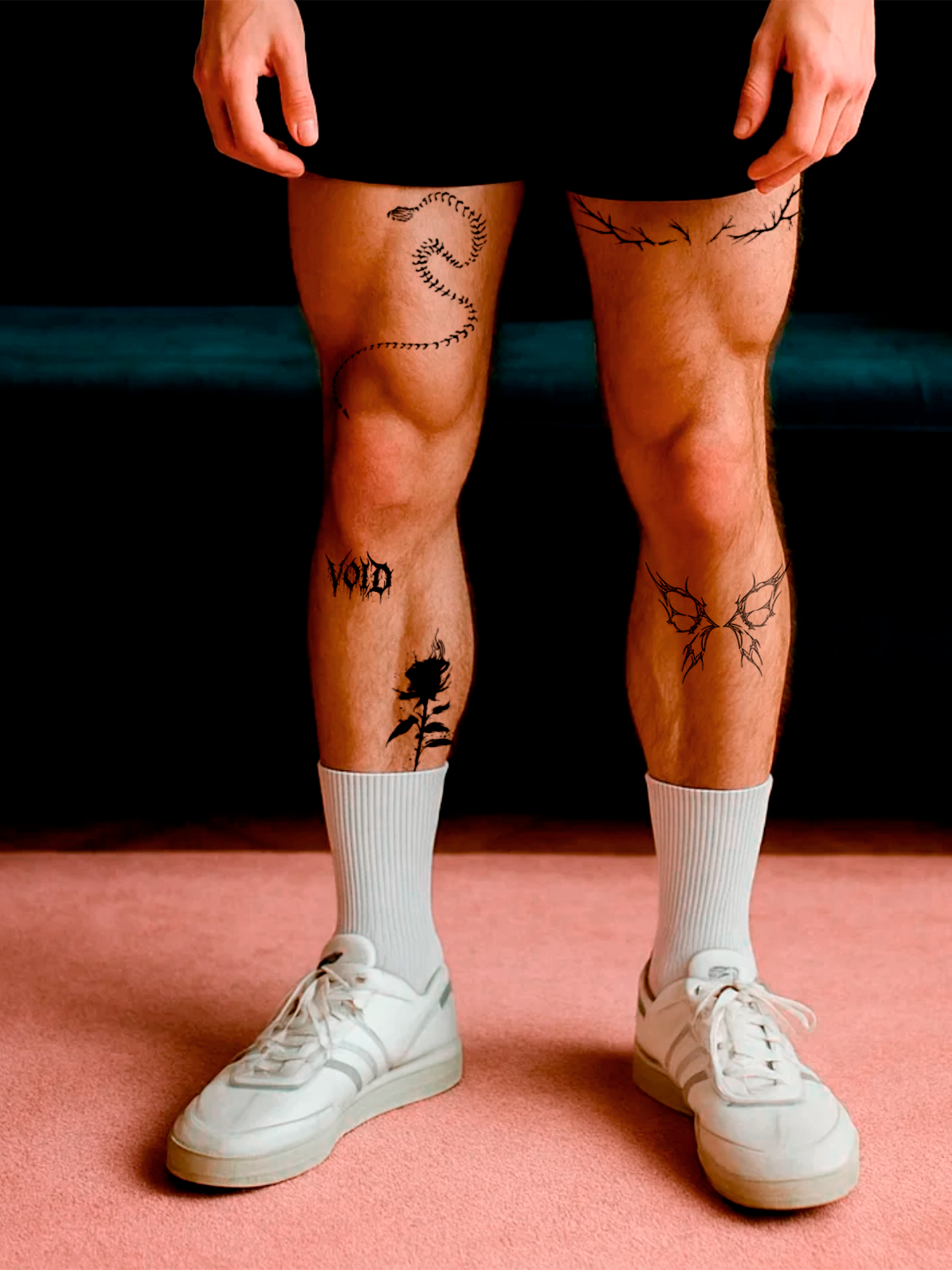
Most AI tattoo generators stop at a picture on your screen. That is nice for inspiration – but you still do not know how it looks on your arm. The Tattup AI tattoo generator goes two steps further: you can try the design on a photo of your own skin and order it as a 2-week tattoo that you wear for real.
How does the AI tattoo generator work?
- Describe your idea. Up to 500 characters: motif, mood, details. "A minimalist wolf howling at a crescent moon, fine line" works better than "wolf".
- Pick a style and options. For example fine line, blackwork or Japanese, plus ink, format and body placement.
- Generate. The AI drafts your design. Refine your description until it fits.
- Try it on. Upload a photo of your body part and place the design virtually.
- Order it. Every design can be ordered directly as a custom 2-week tattoo.
Open the AI tattoo generator and start with your free credits.
Is the AI tattoo generator free?
You can start for free: create an account and you get 2 free credits, no credit card needed. One design costs 0.5 credits with the Fast model or 2 credits with the PRO model. When your credits are used up, you can buy more as a one-time package or a monthly subscription.
| Fast | PRO | |
|---|---|---|
| Credits per design | 0.5 | 2 |
| Best for | Quick drafts, testing ideas and layouts | Final design with highest detail and sharpness |
| Used for cover-up and extract | – | Always |
TipRefine your description with Fast until composition and layout are right, then switch to PRO for the final design. That saves credits.
Which styles can you choose?
Auto, Blackwork, Traditional, Neo-Traditional, Watercolor, Minimalist, Geometric, Japanese, Tribal, Dotwork, Sketch / Line Art, Fine Line, Sigil, Couple and Asemic Script. On top you choose the ink (black, white, color), a gender style (neutral, masculine, feminine), the format (portrait, square, landscape) and the body placement – from forearm, hand and wrist to sleeve, back, ribs or neck.
Good to know: you can design in color, but every Tattup develops dark blue to black on the skin. Black and white designs show you best how the result will look.
What else can the AI do?
- Try-onPlace the design on a photo of your body part, scale, rotate and set the blend mode – "Multiply" looks most realistic.
- ExtractUpload a photo of a tattoo on skin. The AI lifts the motif off the skin and turns it into a clean design.
- Cover-upUpload a photo of an existing tattoo and the AI designs a new tattoo over it.
- InspirationAttach a reference image for a motif, style or mood you like.
- RemixBrowse the community, tap Remix and create your own version of a design.
- DownloadSave every design in 1024 or 2048 px.
How does an AI design become a real tattoo?
Tap the order button on your design, pick a size and continue to the product page. The current price is shown right next to each size. Your design is printed individually, delivered in about 4 weeks and develops on your skin into a deep blue-black like every Tattup. For the full picture of sizes, file tips and couple tattoos see design your own 2-week tattoo.

How do you write a good tattoo prompt?
- Be specific: name the motif, details and mood – "rose with thorns wrapped around a dagger" instead of "rose".
- Say the style or pick it from the list, so the AI does not guess.
- Think about the body part: long, narrow designs fit forearms and spines, round designs fit shoulders and backs.
- Keep it tattoo-able: clear lines and black areas work better on skin than fine gradients.
- Use Remix: start from a community design you like and change it.
Why test an AI design before you get it tattooed?
An AI design can look perfect on a screen and still feel wrong on your body. Wearing it for two weeks as a 2-week tattoo shows you whether size, placement and design really work – before a tattoo artist makes it permanent. More in try a tattoo before you get it.
Matching tattoos
View all-
 Customized Tattoo - XS (3x4)
from $42.00
Customized Tattoo - XS (3x4)
from $42.00
-
 Customized Tattoo - S (5x9 cm)
from $51.00
Customized Tattoo - S (5x9 cm)
from $51.00
-
 Customized Tattoo - M (7x13 cm)
from $54.00
Customized Tattoo - M (7x13 cm)
from $54.00
-
 Customized Tattoo - L (10x18 cm)
from $60.00
Customized Tattoo - L (10x18 cm)
from $60.00
-
 Customized Tattoo - XL (13x22 cm)
from $69.00
Customized Tattoo - XL (13x22 cm)
from $69.00
-
Customized Tattoo - Huge (20x30 cm)
from $78.00
-
Customized Tattoo - Extra Huge / Sleeve (20x60 cm)
from $108.00


Frequently asked questions
What is the Tattup AI tattoo generator?
Is the AI tattoo generator free?
What is the difference between Fast and PRO?
Can I see how the tattoo looks on my skin?
Can I extract a tattoo from a photo?
Can I order my AI design as a Tattup tattoo?

Mattia is part of the team behind Tattup, the 2-week tattoo brand from Switzerland. We write about what we know from thousands of orders and our own tests – no hype, just facts.
Read next
-
 Design
Design Your Own 2-Week Tattoo: Step by Step From Idea to Skin
With the Tattup customizer you turn your own artwork, text or a sharp photo into a 2-week tattoo: choose a size and quantity, upload a black and white PNG or JPG, add ...
-
 Testing
Try a Tattoo Before You Get It: How to Test Design, Size and Placement
The best way to test a tattoo is to wear it: order your exact design as a 2-week tattoo in the size you are planning, put it exactly where it should go and live with i...
-
 Lettering
Tattoo Fonts: Which Lettering Styles Work on Skin – and Which Don’t
Good tattoo fonts stay readable when the skin moves: clear letter shapes, enough space between letters and lines that are not too thin. Script and fine-line serif font...


Ready for your first one?
Over 500 designs, dark blue to black on your skin, gone after 1–2 weeks.